

Fast, secure, and scalable
Magento Hosting on AWS
Keep your store online and responsive during peak sales, product launches, and global expansions with Humcommerce’s Managed AWS Hosting.

Why AWS For Magento Hosting
Performance, scalability, and
security built for B2B commerce.
Consistent speed at any scale


Shoppers abandon when pages stall.
HumCommerce configures AWS auto-scaling, ElastiCache, and CloudFront CDN to keep Magento fast, even under 10x traffic surges.


Simplified Magento management

Server tuning, caching, and database optimization overwhelm internal teams.
We manage RDS, set up automated backups monitor continuously CloudWatch to simplify operations and cut manual firefighting.

Reliable uptime under heavy load

Traffic spikes overwhelm servers and cause checkout failures.
Get multi-AZ deployments with Elastic Load Balancing deliver 99.99% uptime and fault tolerance during product drops and campaigns with us.

Enterprise-grade security

Weak firewalls and misconfigurations leave sites exposed.
We implement AWS WAF, Shield, and secure VPC architectures that defend against DDoS, injection, and data breaches.

Scalability for growth

Legacy hosting can’t flex with growth or seasonal demand.
HumCommerce sets up auto-scaling EC2 clusters with tailored resource allocation for real-time capacity expansion and smooth checkouts.

Resilient backups and recovery

Crashes cause lost orders and broken experiences.
We configure automated S3 backups and run recovery tests regularly to ensure resilience and quick restoration when it matters.

Stable extension support

Magento add-ons break site functionality.
Our managed hosting support troubleshoots conflicts and maintains extension compatibility so your features stay stable and customers stay happy.


Ready for
Unbreakable
Magento Hosting?

CLIENT STORY
Stabilizing Magento
with AWS hosting.
The
challenge
a larger catalog and customer base. But without deep
technical expertise, the team struggled with:
Slow load times during peak traffic, driving cart abandonment
Frequent site crashes and downtime from server overload
Security gaps that left the site exposed to threats
Unreliable backups and data loss during outages
Extension conflicts that broke site functionality
The
solution
tailored for Magento:
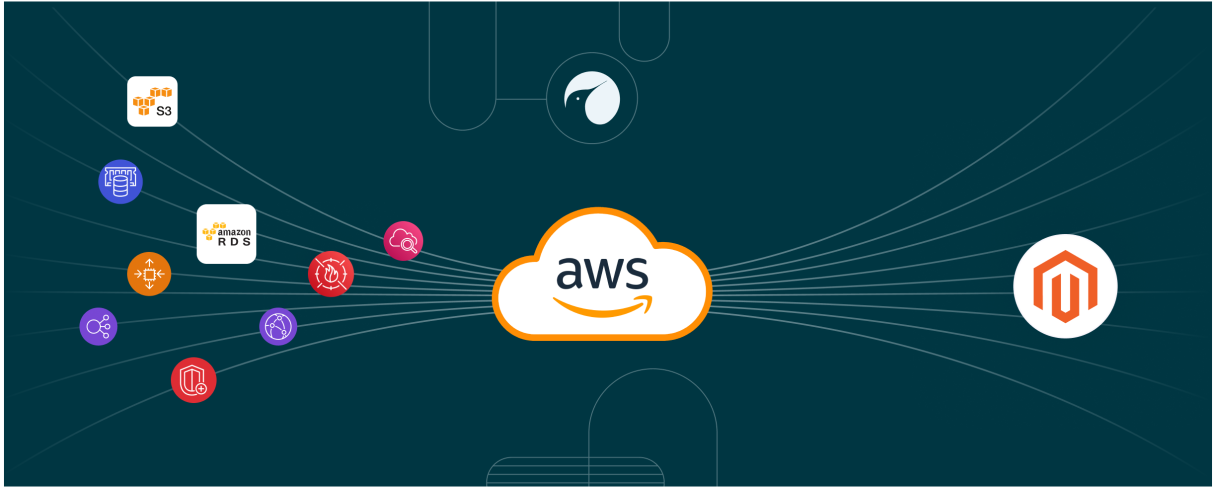
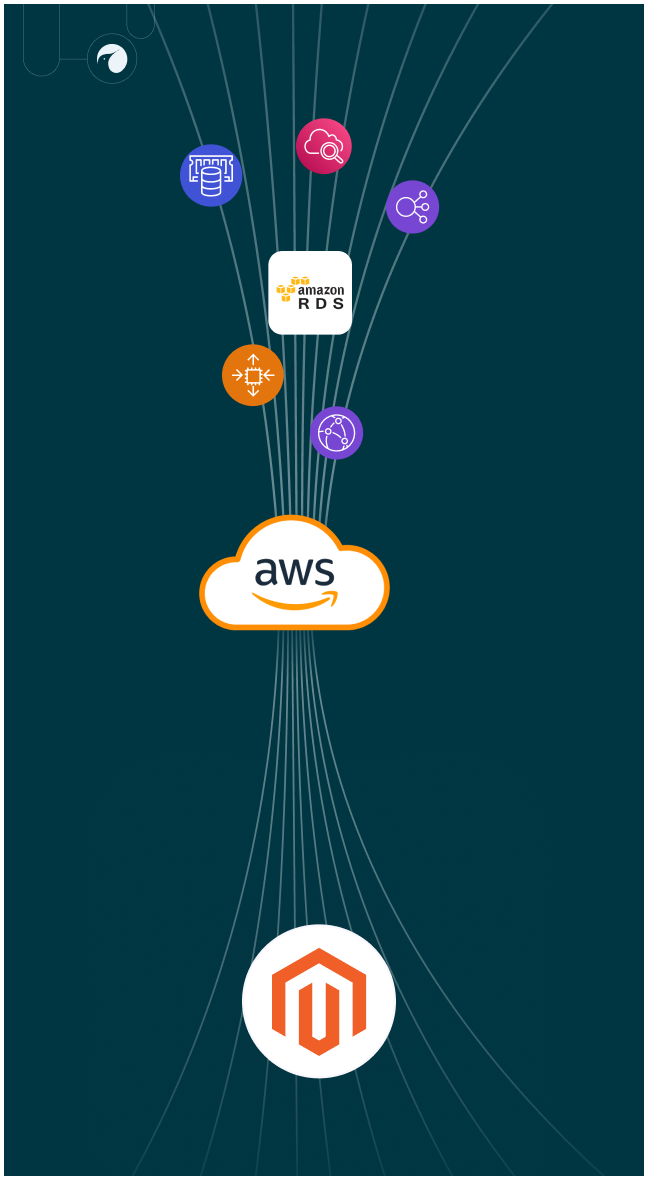
Auto-scaling EC2 + Elastic Load Balancing
to handle traffic surges without crashes
CloudFront CDN + ElastiCache
for faster global page loads
Amazon RDS + automated S3 backups
for resilient data storage and recovery

WAF and AWS Shield
for enterprise-grade security
Continuous monitoring with CloudWatch
to catch and resolve issues proactively

The result
200%
faster page loads
during peak hours → reduced cart abandonment
99%
uptime
with automatic scaling and multi-AZ resilience
Stronger security posture
protecting against common web threats
Zero data loss
thanks to automated backups and tested recovery plans
Smooth extension rollouts,
eliminating customer-facing errors


Let’s Get Started
Cut downtime and performance issues this quarter with HumCommerce’s AWS hosting solution.

FAQs
What is the difference between Load Balancing and Auto Scaling?
Load Balancing distributes incoming traffic evenly across multiple servers to prevent any single server from being overwhelmed. Auto Scaling, on the other hand, automatically adds or removes servers based on demand. Together, they ensure your Magento store stays fast and available during traffic spikes without wasting resources during quieter times.
How can I improve Magento 2 performance with AWS CloudFront?
AWS CloudFront is a global content delivery network (CDN) that caches images, scripts, and static files at edge locations closer to your users. For Magento 2, this means faster page loads, reduced server strain, and improved customer experience worldwide. Many B2B brands also use CloudFront with AWS WAF for added security at the edge.
How do I migrate my existing Magento store from shared hosting to AWS?
The migration process typically includes:
- Assessing your current store setup (catalog size, traffic, integrations).
- Designing a right-sized AWS architecture.
- Setting up EC2, RDS, S3, CloudFront, and security configurations.
- Testing the environment with staging data.
- Migrating live data with minimal downtime.
- Validating performance and completing DNS cutover.
HumCommerce manages this process end-to-end, ensuring minimal downtime and no data loss during the move.
What are the benefits of managed AWS Magento hosting for B2B stores?
- Scalability: Handle large product catalogs, bulk orders, and global distributors without slowdown.
- Security: Enterprise-grade firewalls, DDoS protection, and compliance-ready infrastructure.
- Performance: Auto-scaling servers and CloudFront CDN for consistent speed.
- Reliability: 99.99% uptime with multi-AZ resilience.
- Support: 24/7 monitoring, updates, and issue resolution.
What security features are essential for Magento hosted on AWS?
Key features include:
- AWS WAF and Shield for protection against DDoS and malicious traffic
- Secure VPC and subnet configurations
- Encrypted connections (SSL/TLS) and database encryption
- IAM role-based access control
- Continuous monitoring with CloudWatch and GuardDuty
HumCommerce configures and monitors these AWS security layers so your Magento store stays compliant and protected.
What is the process to migrate Magento to AWS hosting smoothly?
A smooth migration follows a structured approach:
- Discovery: Review current hosting setup, integrations, and performance gaps.
- Planning: Design an AWS architecture aligned with Magento best practices.
- Execution: Deploy AWS services, set up security, and run staging tests.
- Migration: Transfer Magento files, databases, and configs with minimal downtime.
- Validation: Test load times, transactions, and integrations before go-live.
- Optimization: Monitor performance post-migration and fine-tune as needed.