

TL; DR
- Scaling Magento isn’t about throwing a bigger box at the problem; it’s about fixing the actual bottlenecks, usually database, caching, and integration patterns, before traffic exposes them.
- A practical plan uses three phases: easy wins (caching, CDN, theme/perf hygiene), infra refactor (cloud, autoscaling, managed DB), and deeper architecture work (read replicas, queues, elastic services).
- The goal is a store that treats peak traffic as unremarkable: consistent response times, stable error rates, and infrastructure costs that track revenue instead of spiking blindly.
A mid-market distributor didn’t realize their Magento store had a scaling problem until the night their biggest promotion finally worked.
Traffic spiked, category pages crawled, carts stalled, and checkout timeouts quietly killed what should have been their best day of the year.
By the time things stabilized, finance estimated roughly six figures in lost orders and a very expensive lesson in “we thought the server was big enough.”
12 months later, the same store ran a larger campaign on an updated architecture with zero downtime, stable response times, and room to spare. This is the kind of scalability story B2B brands actually care about not theory, but “what changed in the stack, what did it cost, and how do we know it won’t fall over next time.”
5‑Minute Scalability Readiness Check
Before you think about multi‑node clusters and fancy autoscaling rules, check whether you’re actually at a point where scalability work is urgent.
Answer these as honestly as you can:
- Have you seen slowdowns or errors during campaigns, promos, or seasonal peaks?
- Are you processing sustained high order volumes (for example, busy weekdays feel close to “peak” all the time)?
- Does your catalog combine many SKUs with complex pricing rules and B2B account logic (contract pricing, customer groups, quotes)?
- Are you still running on one primary application server (or one main VM) that does “everything”?
- Is your database on the same box as the web/app server, or clearly becoming your slowest component?
- Do key pages regularly creep past acceptable load times on peak days, even after basic speed optimization work?
If you answer “yes” to three or more, you’re probably one successful campaign away from scalability becoming a board‑level problem. The rest of this piece is about how to get ahead of that.
Step 1: Find Your Real Bottleneck (It’s Usually Not the Server Size)
Most “we just need a bigger server” instincts treat symptoms, not causes. In B2B Magento, the first real bottleneck almost always shows up in database and caching, not raw CPU.
Typical B2B bottlenecks
- Database under strain:
- Complex pricing queries, large product and customer tables, and heavy reporting load all converge on one database instance.
- Result: slow category pages, laggy search, and checkout pauses under concurrent traffic.
- Complex pricing queries, large product and customer tables, and heavy reporting load all converge on one database instance.
- Inefficient caching:
- Full‑page cache misconfigured or underused; cache invalidations too broad; sessions stored in the DB instead of something like Redis.
- Result: Magento renders too many pages from scratch and wastes CPU on work that could be offloaded.
- Full‑page cache misconfigured or underused; cache invalidations too broad; sessions stored in the DB instead of something like Redis.
- Chatty or blocking integrations:
- Synchronous ERP or CRM calls during checkout or cart actions.
- Result: front‑end waits on systems that were never designed for real‑time scale.
- Synchronous ERP or CRM calls during checkout or cart actions.
The first job is measurement, not configuration. You want to know:
- Where response times spike first under load (specific URLs or flows).
- Whether CPU, memory, or DB metrics hit ceilings when traffic rises.
- Whether cache hit rates are healthy or falling off a cliff on peak days.
Without that, “optimization” is guesswork.
Step 2: Phase 1 – Easy Wins You Can Implement in Weeks
Phase 1 focuses on low‑risk changes that nearly every B2B Magento store should have anyway.
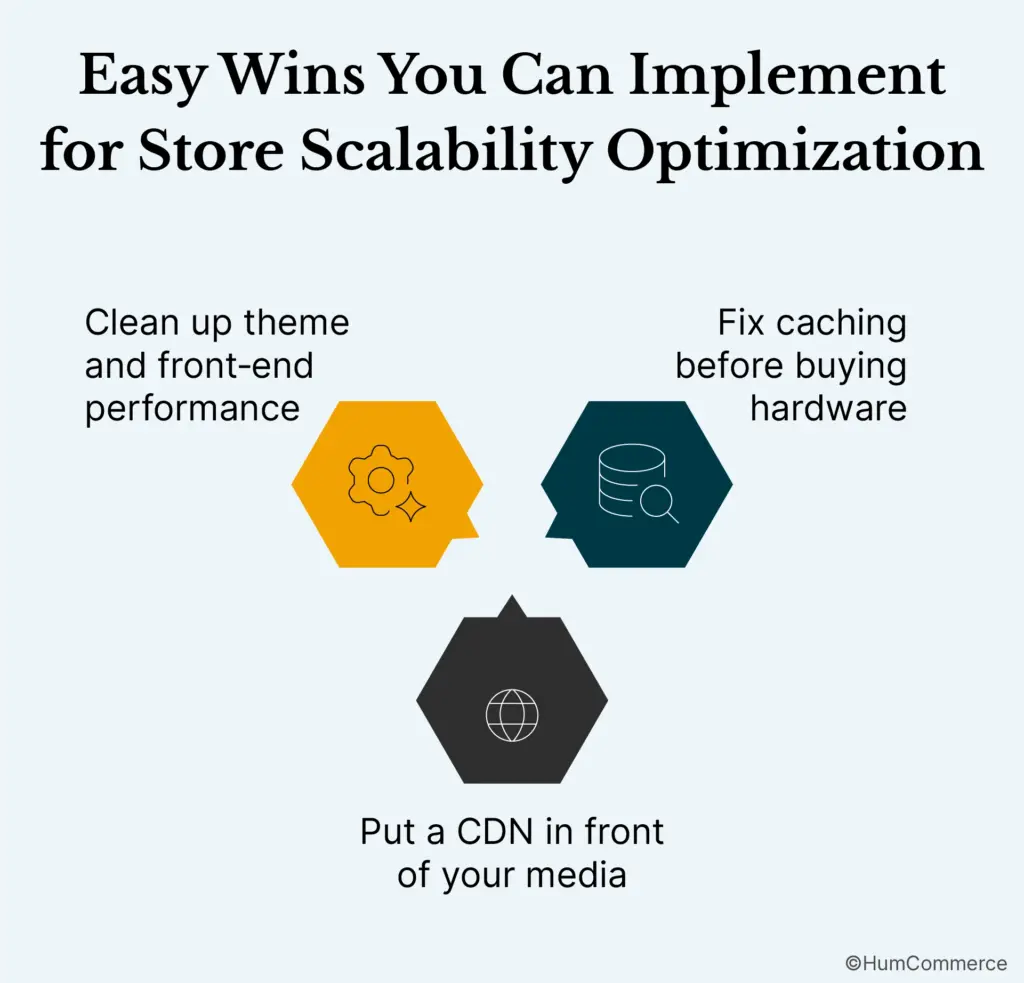
1) Fix caching before buying hardware
Baseline improvements include:
- Ensuring full‑page cache is on and configured properly.
- Moving sessions and cache storage out of the DB into Redis, which reduces lock contention and lets the database focus on real queries.
- Reviewing cache invalidation rules so you’re not constantly flushing more than needed.
These changes alone can dramatically improve both throughput and perceived performance.
2) Put a CDN in front of your media
If you serve a large catalog with many images and downloadable assets, a CDN is one of the fastest ROI wins:
- Static assets (images, JS, CSS, fonts) are served from edge locations closer to users.
- Your origin servers handle fewer requests and can focus on dynamic work.
- Global buyers see more consistent performance.
You don’t need a complete re-architecture to get this in place, and you can often measure the difference within days.
3) Clean up theme and front‑end performance
Scalability isn’t just back‑end. You also want to:
- Audit your theme (or consider a high‑performance alternative like Hyvä) for unnecessary blocks, heavy JS, and layout shifts.
- Compress and lazy load images.
- Trim third‑party scripts and trackers that quietly add seconds to mobile loads.
For many stores, Phase 1 buys enough headroom to survive the next promotion, but it’s rarely enough for the next 3–5 years of growth.
Step 3: Phase 2 – Moving to an Elastic, Cloud‑Friendly Architecture
Once you’ve harvested the easy wins, the next step is to set up an architecture that can scale up and down with real traffic, not a fixed guess.
1) Separate concerns: app nodes, DB, cache
A typical evolution looks like this:
- Move from a single all‑in‑one server to:
- One or more dedicated app servers behind a load balancer.
- A managed database service (for example Amazon RDS) for MySQL.
- A dedicated Redis instance for sessions and cache.
- One or more dedicated app servers behind a load balancer.
- Keep file storage (media) on a shared or object storage solution to avoid coupling to a single app server.
This separation gives you more control over how each layer scales and fails.
2) Introduce horizontal scaling for app servers
Rather than endlessly buying bigger instances, you:
- Put a load balancer in front (e.g., ALB, Nginx, HAProxy).
- Configure autoscaling groups so app servers can be added or removed based on CPU, request volume, or other metrics.
- Use deployment practices that can roll out code to multiple nodes reliably.
Horizontal scaling is what turns “we hope the box is big enough” into “we can add capacity dynamically when needed.”
3) Move the database into a managed service with room to grow
Managed database services (like RDS for MySQL) help with:
- Easier vertical scaling (moving to larger classes when needed).
- Read replicas for reporting and read‑heavy flows.
- Built‑in backups, snapshots, and basic high availability.
You still need to tune queries and indexes, but you’re no longer limited to the capabilities of one self‑managed instance on the same box as your application.
Step 4: Phase 3 – Hardening the Database and Integrations
Once the basic architecture is elastic, you tackle the deeper B2B‑specific scaling issues.
1) Optimize database access
High‑traffic, B2B‑heavy stores often struggle with:
- Complex joins across large tables for pricing, catalog, and customer data.
- Reports or exports hitting the production DB during peak hours.
- Missing or misconfigured indexes on fields used for filters and sorting.
Work here includes:
- Reviewing slow query logs and optimizing or caching heavy queries.
- Adding or adjusting indexes for frequently used conditions.
- Offloading reporting and analytics to read replicas or data warehouses instead of hitting the primary.
The payoff: more predictable response times even as catalog and customer data grow.
2) Decouple critical flows from fragile integrations
In B2B Magento, ERPs and other systems are often the hidden scalability killer.
Better patterns:
- Use queues for syncing orders, inventory, and pricing changes instead of blocking API calls at checkout.
- Implement timeouts and fallbacks so slow external systems don’t block the buyer experience.
- Size and monitor middleware so it can handle peak load instead of becoming your new bottleneck.
You want Magento to be able to accept and confirm orders even if the ERP is having a bad minute as long as data reconciliation is handled reliably afterward.
Monitoring and Testing: How You Know It Works (Before Peak Day)
No scalability plan is complete without evidence that it works when it matters.
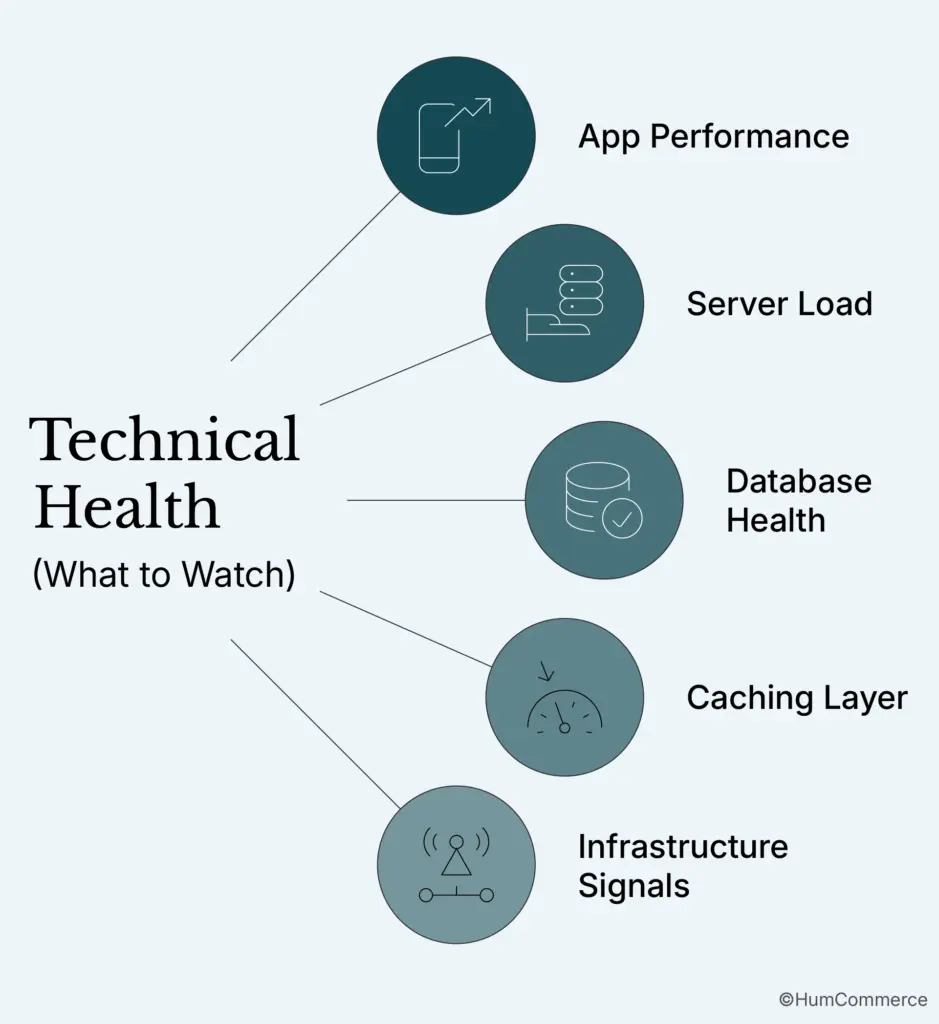
What to monitor
At a minimum, you want dashboards for:
- Response times per key route (home, category, product, cart, checkout, account pages).
- Error rates (especially timeouts and 500s) during normal vs peak periods.
- CPU, memory, and disk usage on app servers.
- Database metrics: connections, slow queries, replication lag, buffer pool usage.
- Cache hit rates and health for Redis/Varnish.
Tie these to business metrics:
- Conversion rate during campaigns vs baseline.
- Abandoned cart rate when response times rise.
- Revenue per minute/hour at different loads.
Load testing before the real thing
Simulate realistic peaks:
- Use load testing tools to mimic traffic patterns you expect during big promos or seasonal spikes.
- Incrementally increase concurrent users/requests until you see where latency or errors spike.
- Fix issues, retest, and only then sign off for big events.
A good test turns “we hope it holds” into “we’ve already seen it handle more than this.”
What This Means for B2B Magento Teams
For B2B brands on Magento, scalability isn’t about being clever with infrastructure diagrams; it’s about avoiding the very expensive scenario where your best marketing moments become your worst technical days.
The patterns above add up to a few simple truths:
- The database and caching strategy are usually the first real bottlenecks, not “Magento” itself.
- Horizontal scaling and separation of concerns give you more safety and flexibility than one monster server.
- Integrations and reporting must be designed to scale alongside the store, not quietly block it.
- Monitoring and testing are how you turn “we think it’s fine” into “we’ve seen it hold.”
You don’t have to implement everything at once. In practice, the stores that win pick off the next most urgent phase, prove it, then move on.
Where HumCommerce Fits
HumCommerce works with B2B manufacturers, distributors, and wholesalers running Magento/Open Source or Adobe Commerce who are beyond “launch” and squarely in “how do we keep this thing up as we grow?” mode.
We typically help by:
- Performing scalability and performance audits to identify real bottlenecks and quick wins across code, infra, and integrations.
- Designing phased architecture plans that match your traffic, catalog, and budget rather than pushing the most complex solution by default.
- Implementing changes across hosting, caching, CDN, and database, while coordinating with your ERP/CRM and other systems so nothing breaks quietly.
- Setting up monitoring and analytics that connect technical performance to conversion and revenue, not just uptime.
If you’re worried your Magento store is one successful campaign away from a bad story, we can help you:
- Run a scalability readiness assessment.
- Prioritize the next 2–3 changes that matter most.
- Plan a safe path from “fragile” to “boringly stable” under high traffic.
Talk to our team to explore whether a scalability review should be on your roadmap before the next peak season.






