TL;DR
- Building an ecommerce product finder for complex B2B catalogs requires more than basic search functionality.
- You need structured product data, ERP integration for real-time pricing and inventory, and search logic that understands technical specifications.
- Start by mapping your current discovery process, audit your data quality, then implement AI-powered search that handles industry terminology and buyer intent.
- The payoff: faster quote cycles, reduced support tickets, and buyers who can self-serve even your most technical products.
Why This Matters for B2B Distributions
Your catalog isn’t a simple list of products. It’s thousands of SKUs with overlapping specifications, customer-specific pricing tiers, regional availability constraints, and compatibility requirements that change based on application. When a procurement manager searches for “316 stainless steel flange, 4-inch, 150 lb pressure rating,” they expect an exact match, not a page of loosely related results.
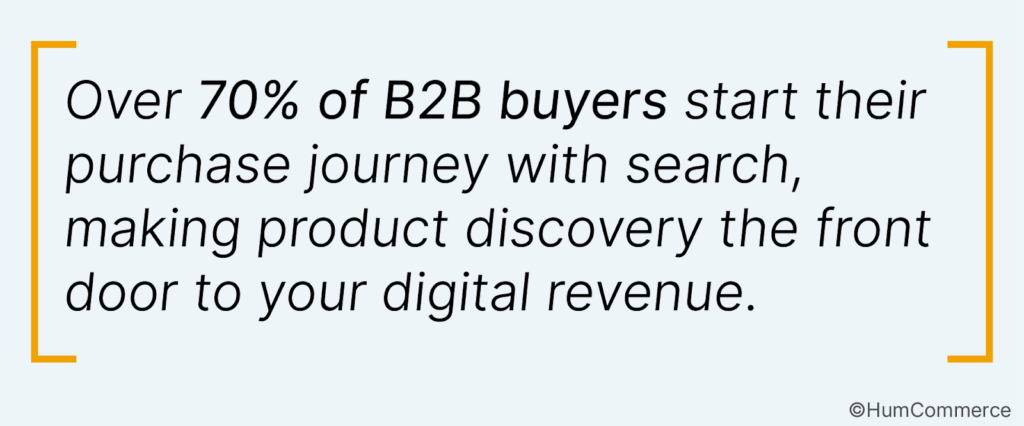
Yet most B2B search implementations fail because they’re built on B2C logic: popularity-based ranking, keyword matching without context, and no understanding of technical specifications. B2B search differs fundamentally by focusing on technical accuracy, bulk orders, and personalized results.
The cost of poor product discovery shows up everywhere. Sales teams spend hours answering “do you carry this?” questions. Customers abandon carts because they can’t confirm compatibility. Quote requests pile up for products that should be self-service purchases. One manufacturer we worked with found that 60% of their support tickets were product-finding questions their site should have answered.
Why Building an Ecommerce Product Finder That Handles Complex B2B Catalogs Is a Priority Now
The shift toward digital self-service has accelerated beyond what most B2B operations anticipated. Buyers now expect to find, configure, and purchase complex products without calling a sales rep. When your product finder can’t handle that complexity, you lose deals to competitors who’ve solved this problem.
Mobile influences more than 40% of revenue in B2B organizations, meaning your product finder must work across devices and contexts. A field technician checking part compatibility from a job site needs the same precision as a procurement manager at their desk.
The urgency increases when you consider AI’s growing role in B2B purchasing. Generative AI tools are reshaping how buyers research products, and companies with structured, discoverable product data gain visibility in these new channels. Building a strong product finder now positions your catalog for AI-driven discovery tomorrow.
What ‘Done’ Looks Like When You Build an Ecommerce Product Finder That Handles Complex B2B Catalogs
A finished product finder does more than return search results. It understands buyer intent, surfaces relevant products based on technical requirements, and displays customer-specific pricing without manual intervention.
Here’s what success looks like in practice:
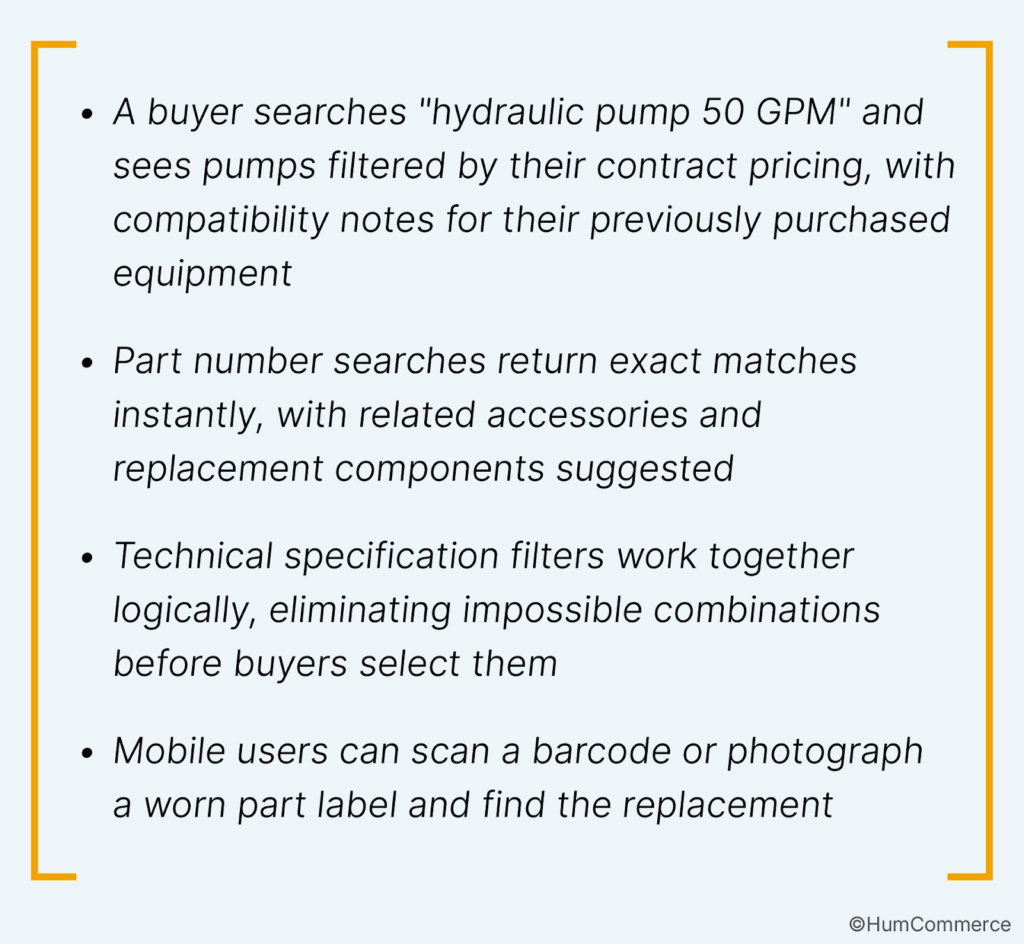
The operational indicators matter too: quote request volume drops for standard products, average time-to-purchase shortens, and customer service tickets shift from “help me find this” to higher-value conversations.
Step 1: Map How You Build an Ecommerce Product Finder That Handles Complex B2B Catalogs Today
Before building anything new, document your current product discovery process in detail. This audit reveals gaps your new finder must address and data problems that will undermine any technology investment.
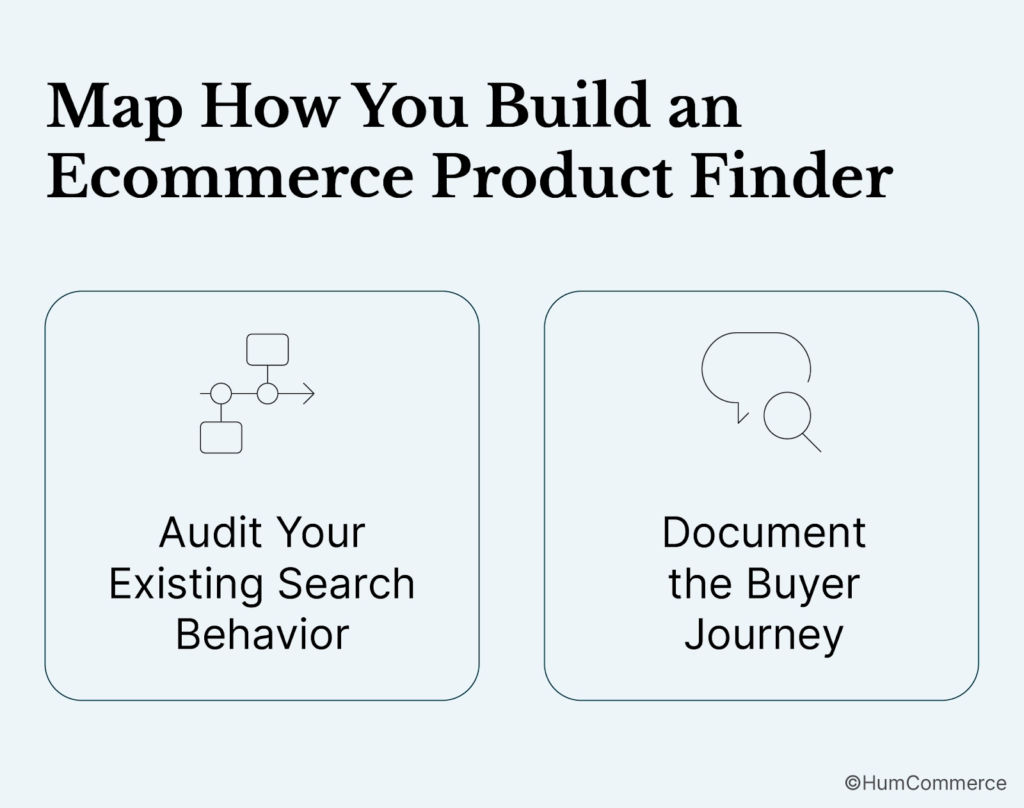
Audit Your Existing Search Behavior
Pull search analytics from your current platform. What are buyers searching for? What searches return zero results? Which searches lead to purchases versus bounces? Zero-result searches are gold: they show exactly where your catalog or search logic fails buyers.
Interview your sales and customer service teams. They know which products customers struggle to find, which specification questions come up repeatedly, and which workarounds they’ve developed. These conversations often reveal that your “product finder” is actually a sales rep named Dave who knows the catalog by heart.
Document the Buyer Journey
Map how different buyer personas find products today. A maintenance manager reordering a known part follows a different path than an engineer specifying equipment for a new project. Your product finder must serve both efficiently.
Track where buyers abandon the process. Do they give up after failed searches? Do they find products but leave when pricing isn’t visible? Do they add items to cart but never complete the order? Each abandonment point suggests a specific capability your finder needs.
Step 2: Check If You’re Ready to Build an Ecommerce Product Finder That Handles Complex B2B Catalogs
Technology alone won’t fix a product finder. You need clean data, integrated systems, and organizational alignment before implementation makes sense.
Assess Your Product Data Quality
High-quality product data is accurate, up-to-date, consistent, and understandable. Audit a sample of your catalog against these criteria. Are specifications complete? Do product titles follow consistent naming conventions? Are technical attributes structured as filterable data or buried in PDF spec sheets?
Common data problems that break product finders include inconsistent unit formats (inches versus millimeters), missing cross-references between part numbers, outdated specifications that don’t match current inventory, and product descriptions written for internal use rather than buyer search terms.
Evaluate Your Integration Readiness
A B2B product finder needs real-time data from multiple systems. Can your ERP provide current inventory levels and customer-specific pricing through APIs? Does your PIM contain structured attribute data that search can index? Are your product images and documents accessible programmatically?
If these integrations don’t exist, building them becomes part of your project scope. The finder is only as good as the data feeding it.
Step 3: Prepare Your Systems and Data
Data preparation typically consumes more project time than technology implementation. Rushing this phase guarantees a product finder that disappoints buyers.
Structure Your Product Attributes
Transform unstructured product information into searchable, filterable attributes. This means extracting specifications from PDF datasheets into database fields, standardizing attribute names across product categories, and establishing controlled vocabularies for technical terms.
Establish a clear catalog architecture based on buyer evaluation patterns to help procurement teams shortlist and compare products. Group products by how buyers think about them, not by how your inventory system organizes them.
Clean and Enrich Existing Data
Deduplicate products that exist under multiple SKUs. Fill in missing specifications from manufacturer sources. Add synonyms and alternative part numbers that buyers might search. This enrichment work directly improves search accuracy.
Consider investing in a PIM system if you don’t have one. Managing complex product data in spreadsheets or directly in your ecommerce platform creates ongoing maintenance headaches and data quality drift.
Step 4: Design the Improved Process
With clean data and integrated systems, you can design a product finder that matches how your buyers actually work.
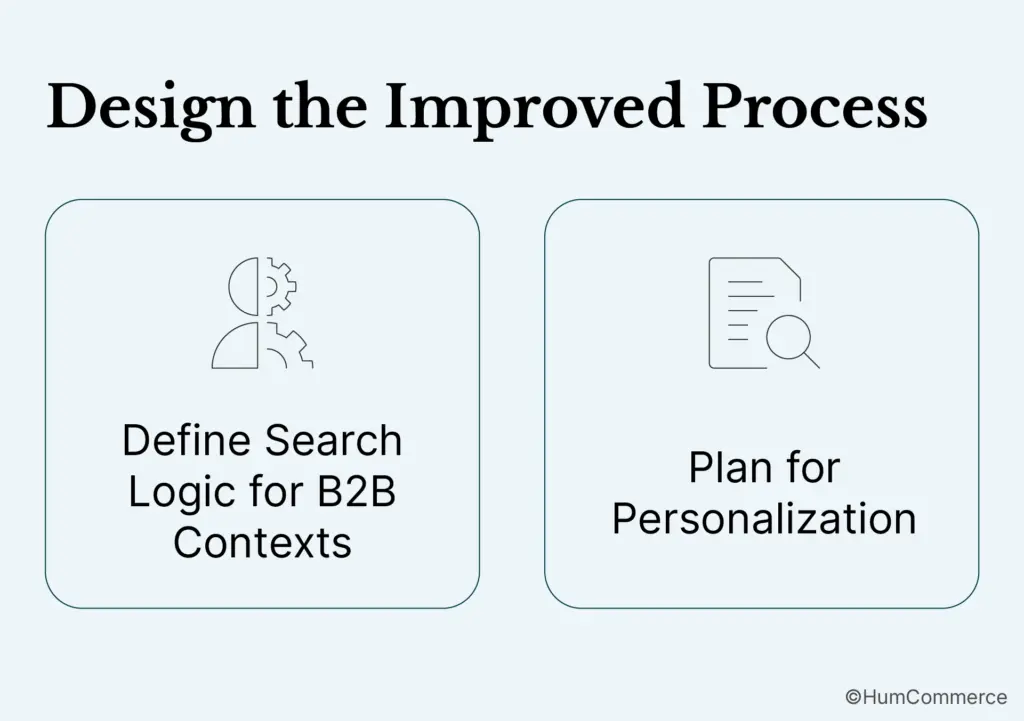
Define Search Logic for B2B Contexts
Prioritize relevance and accuracy over popularity in search results. B2B buyers value precise matches based on specifications and context, not what other buyers purchased. A search for a specific part number should return that part, not “similar” products that might be more popular.
Implement AI search to understand intent, industry terms, synonyms, and context. When a buyer searches “SS316 hex bolt,” your finder should recognize “SS316” as “316 stainless steel” and return appropriate results. This requires building or configuring a synonym dictionary specific to your industry.
Plan for Personalization
Use segmentation to customize experiences based on industry or purchasing behavior. A food processing customer should see food-grade materials prominently. A repeat buyer should see their frequently purchased items accessible. A new visitor should see your most popular products in their industry segment.
Personalization in B2B involves complex buying cycles, multiple decision-makers, and customized pricing. Your product finder must handle account hierarchies where a buyer sees pricing negotiated by their corporate parent, and where approval workflows may vary by product category or order value.
Step 5: Implement Changes in Your Stack
Implementation approach depends on your existing platform, integration capabilities, and catalog complexity. Adobe Commerce provides a strong foundation for B2B product discovery, especially when extended with specialized search technology.
Choose Your Search Technology
Native platform search works for simple catalogs but struggles with B2B complexity. Consider dedicated search solutions like Elasticsearch, Algolia, or specialized B2B search tools that handle technical specifications, faceted filtering, and synonym management.
Humcommerce B2B AI Assist represents another approach: a conversational layer that lets buyers describe what they need in plain language and receive relevant product matches from your existing catalog. This works particularly well for complex catalogs where buyers don’t know the exact terminology or part numbers.
Build Integration Pipelines
Your product finder needs current data from multiple sources. Build automated pipelines that sync product information from your PIM, pricing from your ERP, and inventory from your warehouse management system. These syncs should run frequently enough that buyers never see stale information.
Ensure accurate and clear product descriptions, titles, keywords, images, and videos. The integration pipeline should validate data quality and flag issues before they reach buyers.
Step 6: Pilot, Measure, Improve
Launch your product finder with a subset of products or customers before full rollout. This controlled release lets you identify problems while they’re still manageable.
Define Success Metrics
Track search-to-purchase conversion rates, zero-result search frequency, time-to-find for known products, and customer service ticket volume related to product discovery. Establish baselines before launch so you can measure improvement.
One HumCommerce client reduced quote turnaround time from 3-5 days to just hours by automating quote capture and connecting search directly to ERP pricing logic. Your metrics should reflect similar operational improvements, not just website analytics.
Iterate Based on Real Usage
Monitor search logs continuously after launch. New zero-result searches reveal products or terminology you haven’t accounted for. Searches that don’t lead to purchases suggest relevance problems. Build a process for regular search tuning based on this data.
Gather qualitative feedback from buyers and sales teams. They’ll identify friction points that don’t show up in analytics: confusing filter options, missing product relationships, or specifications that should be searchable but aren’t.
Common Mistakes to Avoid When You Build an Ecommerce Product Finder That Handles Complex B2B Catalogs
The most expensive mistakes happen before implementation begins. Avoiding these pitfalls saves months of rework.
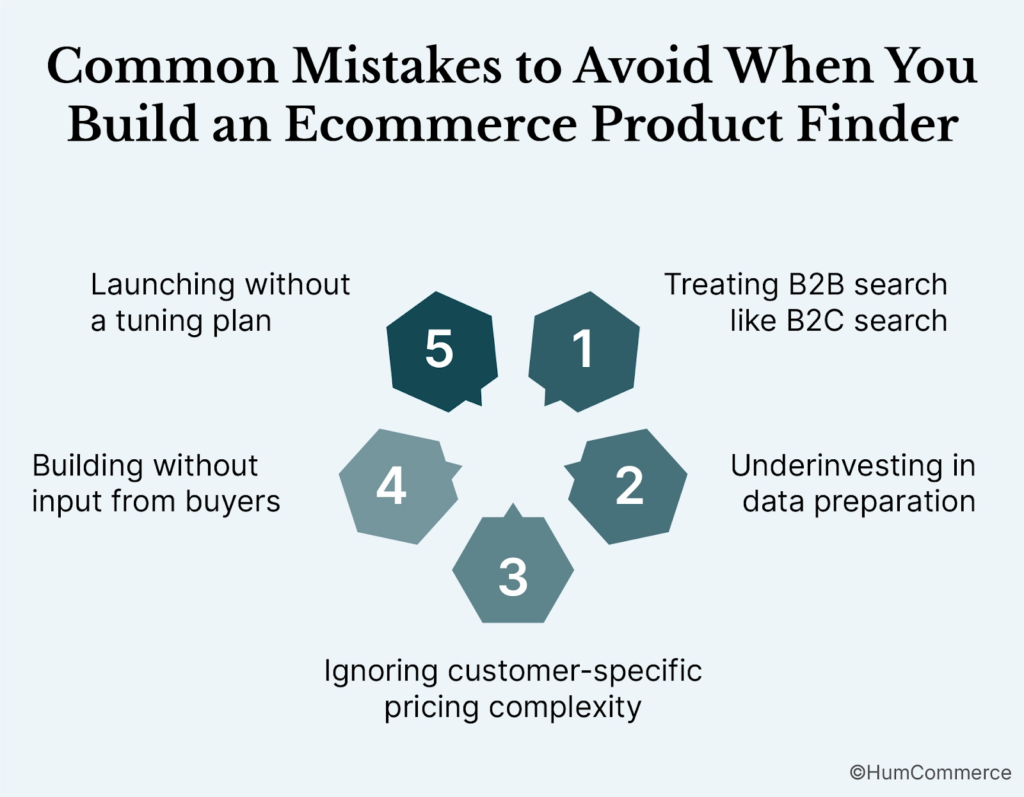
Treating B2B search like B2C search. Consumer search optimizes for browsing and discovery. B2B buyers usually know what they want and need to find it quickly. Building popularity-based ranking or recommendation-heavy experiences frustrates procurement professionals who value precision.
Underinvesting in data preparation. Technology vendors promise AI-powered search that “just works.” It doesn’t. Without structured, clean product data, even sophisticated search algorithms return poor results. Budget at least as much time for data work as for technology implementation.
Ignoring customer-specific pricing complexity. A product finder that shows list prices to contract customers creates confusion and erodes trust. Your finder must integrate with ERP pricing logic from day one, not as a future enhancement.
Building without input from buyers. Internal stakeholders have opinions about how search should work. Buyers have experience with how they actually find products. Interview real customers during design, and include them in pilot testing.
Launching without a tuning plan. Search quality degrades without ongoing attention. New products need proper attribution. Seasonal terminology shifts. Competitor part numbers emerge. Plan for continuous improvement, not a one-time implementation.
Need Help Putting This Into Practice?
Building a product finder for complex B2B catalogs requires expertise across commerce platforms, ERP integration, and search technology. Most internal teams haven’t tackled this specific problem before.
HumCommerce specializes in exactly this challenge: turning Adobe Commerce into an operations-connected platform that handles B2B complexity. Our work with manufacturers and distributors has shown that 75% faster quote workflows are achievable when commerce and ERP systems work together properly.
If your current product discovery process involves too much manual intervention, or if buyers consistently struggle to find products in your catalog, we should talk. Start with a focused assessment of your current search performance and data readiness, then build a roadmap that addresses your specific catalog complexity.
Contact HumCommerce to discuss your B2B product finder requirements and see how other manufacturers and distributors have solved similar challenges.